Download your Wyze events - one at a time or in bulk.
Optimyze adds the download tools Wyze Web View is missing. Save event videos as MP4, select multiple events for a bulk download, or save a combined ZIP — all locally in your browser.
Add to Browser Chrome
 Edge
 Brave
 Opera
 Firefox
Free to use · Works on Chrome, Edge, Brave, Opera, and Firefox
How to bulk download Wyze events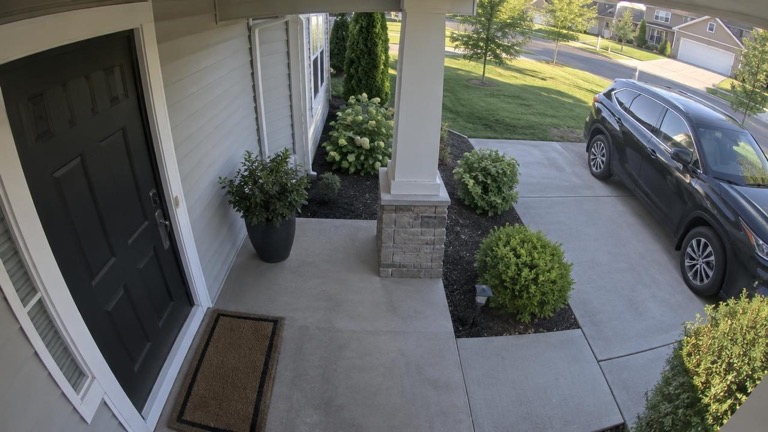
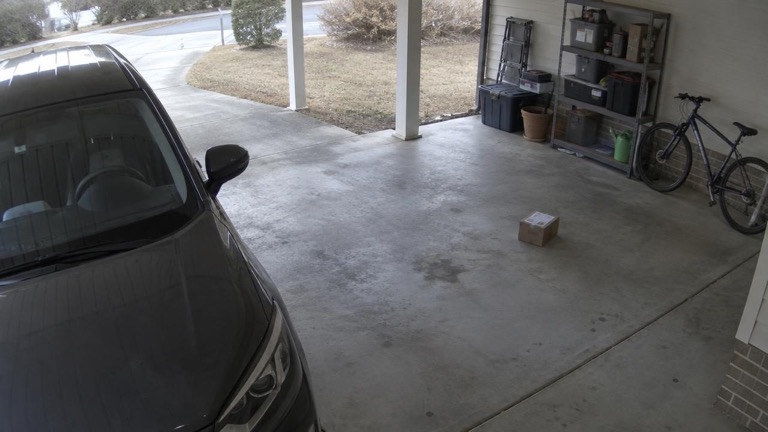
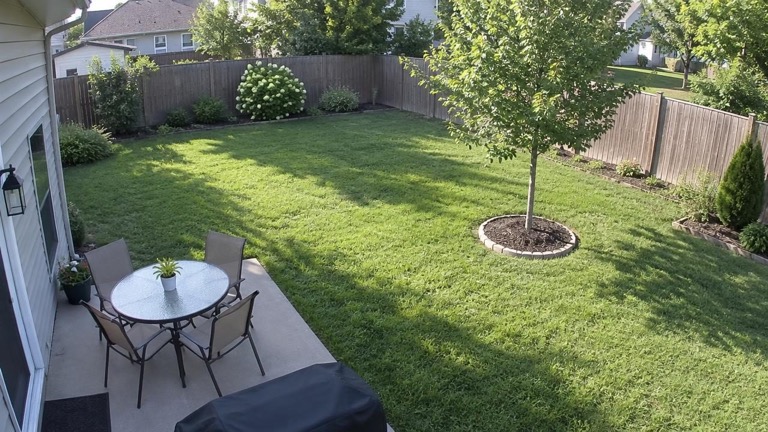
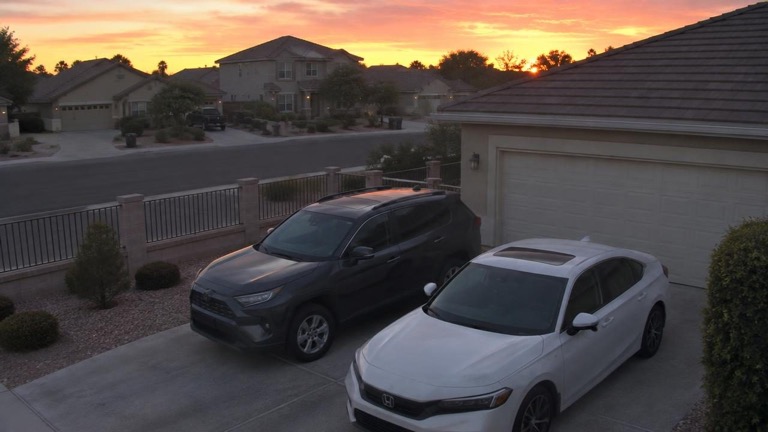
Powerful tools, right where you need them.
Download Wyze events as MP4
Save any Wyze event as a standard MP4 from its thumbnail or the open event — much faster than real time, at original quality.
Learn moreBulk download Wyze events
Select multiple or all available events and save them as individual MP4 files or one combined ZIP. Stop anytime; big batches just work.
Learn moreDownloaded badges
Green badges remember which events you’ve already saved — across visits, on thumbnails and in the popup.
Learn moreBetter audio
Hear older cameras in Windows players, and add sound to the event popup when Wyze can’t play it.
Learn moreThe event player
Speed from 0.5x to 4x, loop, click to play, save frames as JPGs, precise scrubbing — press D to download.
Learn moreMake it yours
Filenames, timestamps, audio, button placement — every detail of Optimyze is adjustable.
Learn more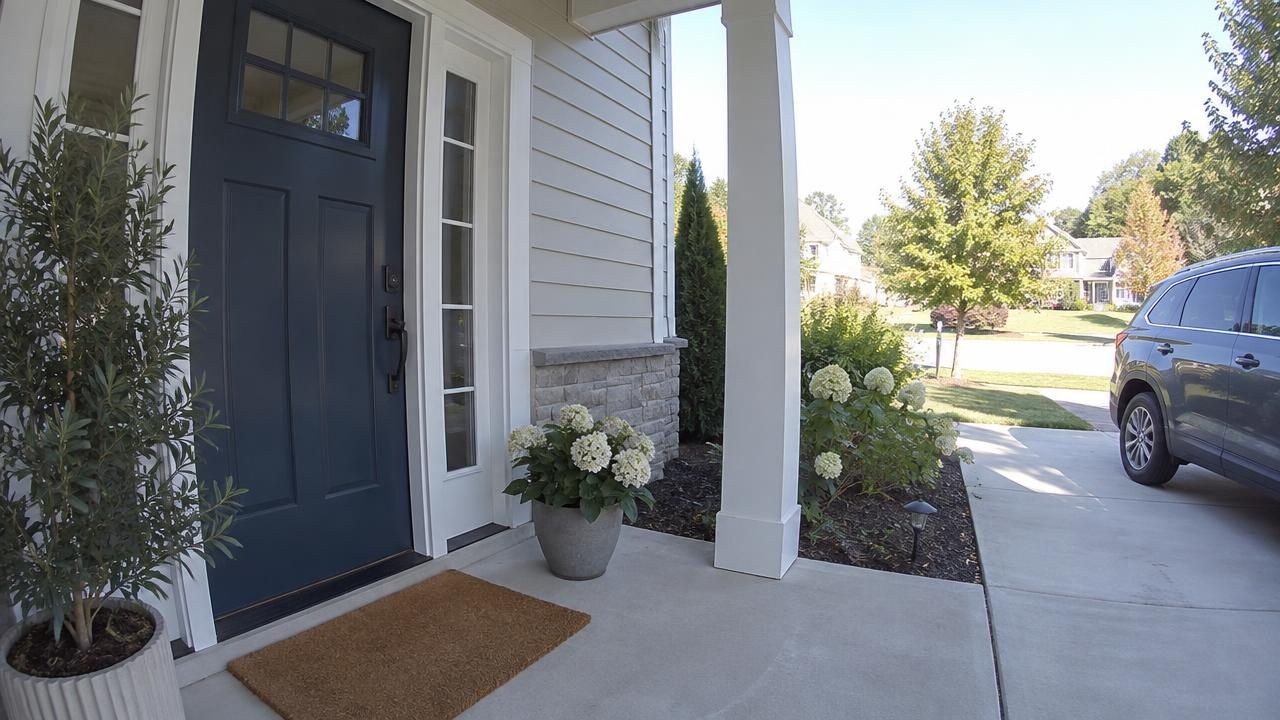
More control over your footage.
Play, pause, loop, change playback speed, seek precisely, and save individual frames as JPGs. Optimyze also adds sound when Wyze reports the device’s audio is unsupported.
Stuck on “Redirecting”? Not anymore.
Every Wyze sign-in after the first can hang on a “Redirecting” screen that never finishes — that’s Wyze’s bug, not yours. Optimyze notices and completes the redirect, dropping you straight on your Events page.
On by default · Acts only on the sign-in page · Switch it off anytime
Runs locally. No tracking. No account.
Optimyze runs entirely in your browser. It does not use an Optimyze account or server, and it does not track users.
- Runs locally in your browser
- No account required
- No servers
- No user tracking
Works on your favorite browser.
Available for Chrome, Edge, Brave, Opera, and Firefox. On Firefox, converting older G.711 camera audio to AAC isn’t available — those clips may need VLC for playback with sound.